Introduction
Buildprint allows a single agent to orchestrate a Bubble app migration from start to finish.
A migration still requires developer review and management. Buildprint does not make a one-click copy of a Bubble app in code, but will do 90% of the heavy lifting for you.
Migration phases
Every migration moves through these phases:
Phase | Result |
|---|---|
Setup | The source, target stack, services, and access are ready. |
Discovery | The Bubble app becomes a dependency-aware migration plan. |
Implementation | The target application is built in verifiable units. |
Testing | Important journeys and visual states are checked. |
Delivery | The target application is prepared for hand-off or release. |
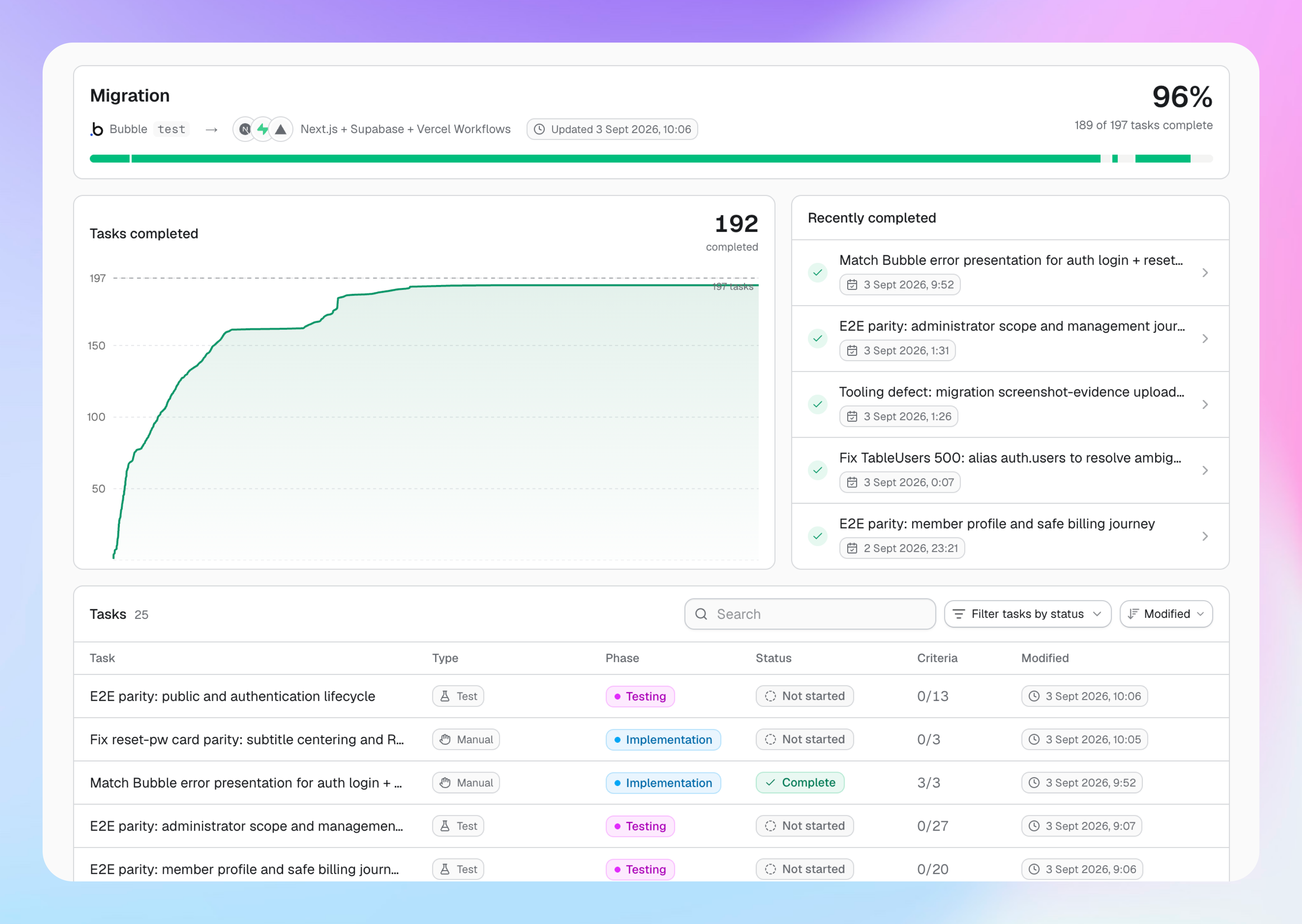
The dashboard derives the current phase from task status. You can see the work that is complete, in progress, ready, or needs re-verification.
Discovery maps the app before implementation
Discovery reads the selected Bubble branch. It maps the app structure, workflows, data, integrations, styles, privacy rules, and the references between them.
The agent uses this map to build a dependency-aware migration plan and create the foundation for the selected target stack.
Run discovery again when the Bubble source changes. The CLI compares the new result with the existing plan. It refreshes changed work and marks affected tasks for re-verification.
Typical flow
Create a migration, choose a target stack, and configure the Bubble source:
buildprint migration create my-app --app my-bubble-app
buildprint migration stack select nextjs-supabase-vercel-workflows my-app
buildprint migration configure my-app \
  --workspace /path/to/bubble-workspace \
  --branch test
Complete the setup work that the migration creates. Then initialize the target codebase and create the migration plan:
buildprint migration init my-app
buildprint migration discover my-app
Use buildprint migration info my-app to view the current phase, progress, task counts, and ready tasks.
The agent then takes ready work, implements it, and records the checks and evidence for each result. Buildprint runs the required verifiers before it records a unit as complete.
Preserve product behavior
Use strict parity when the target must match Bubble behavior. Use smart parity when the target needs a clear, deliberate correction.
Record a deviation when the target behavior differs from Bubble. The record stores the Bubble behavior, the chosen behavior, and the reason for the change.
Add screenshots, source files, notes, and test results as evidence. This shows what changed and how the team checked the result.
Know the product boundary
Buildprint coordinates planning, the generated foundation, implementation, verification, and delivery. Engineering review remains part of the migration.
The first version does not run a complete data migration or replace a backup system. Include those activities in the delivery plan.
Request migration access
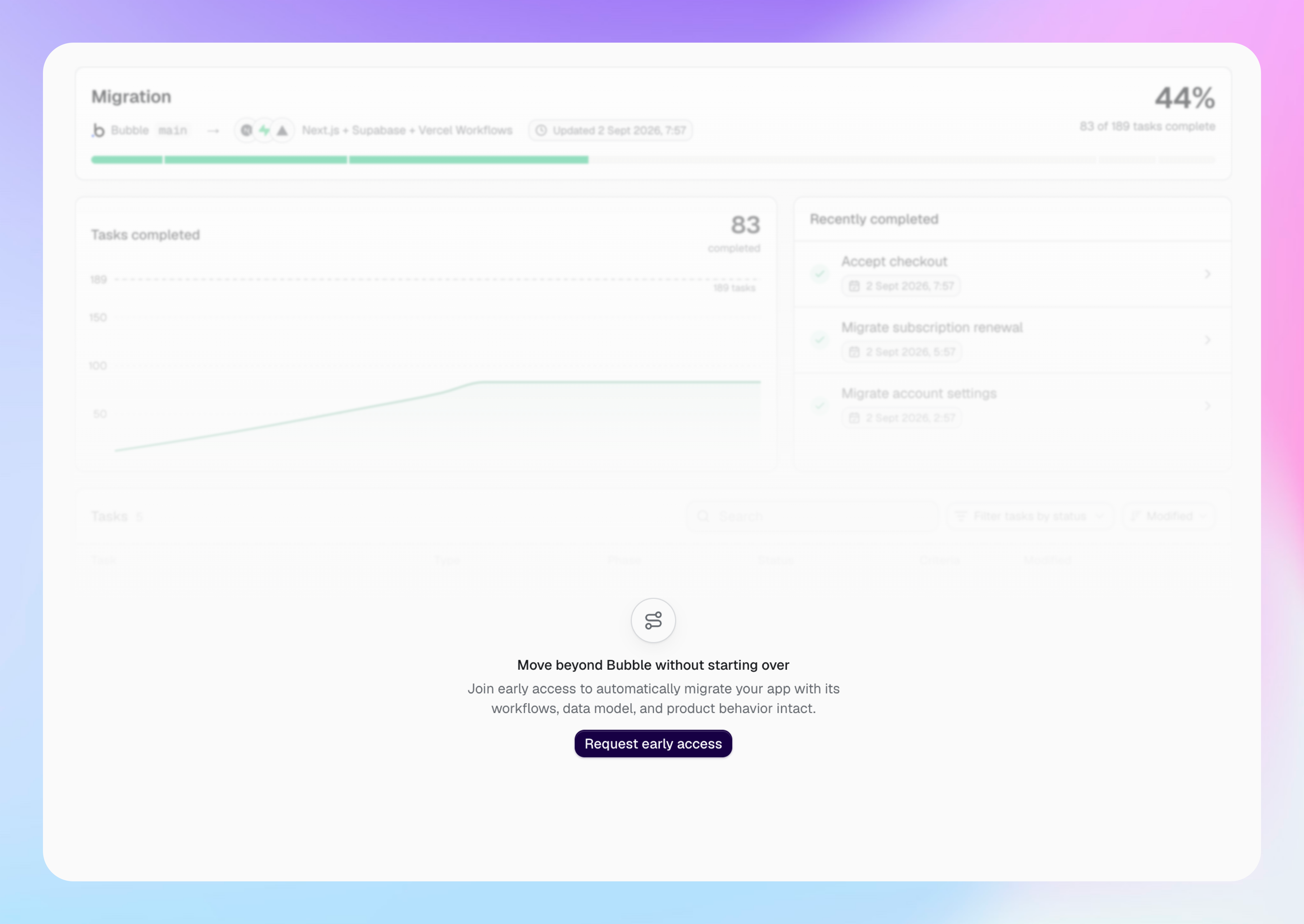
Migration access is invite only. If your project does not have access, the Migration page shows an early-access request.
Select Request early access and provide the requested project information. Buildprint uses that information to understand your migration needs and recommend the next step.