
Introduction to Buildprint agents
Buildprint agents connect AI models to your Bubble app so they can inspect structure, reason about workflows, and, when you allow it, make changes.
You can use agents from Buildprint chat, reviews, Linear-triggered tasks, and supported external AI clients.
Plan mode and Build mode
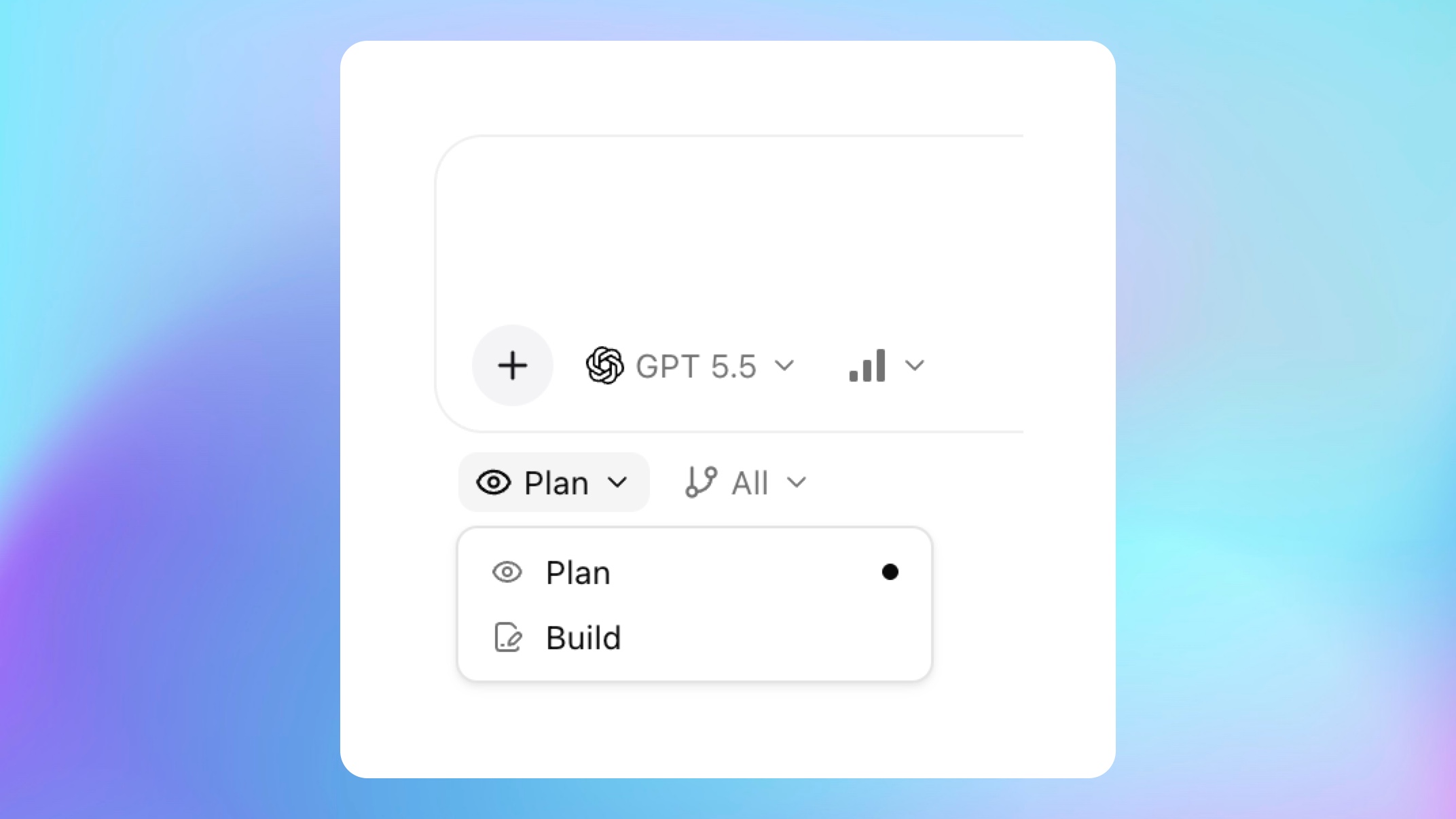
Every chat has an edit mode.
Plan mode lets the agent read permitted app context without applying app edits.
Build mode lets the agent make Bubble app changes on the selected branch, subject to Buildprint permissions and Bubble collaborator permissions.
Build mode is powerful. Review what the agent is doing, test changes on a development branch, and use Bubble savepoints before risky work.
What agents can help with
Agents can help with:
Understanding pages, reusable elements, data types, option sets, and workflows.
Debugging Bubble logs and runtime behavior.
Planning changes before implementation.
Editing Bubble app structure and workflows when Build mode is enabled.
Creating or reviewing changes between branches.
Running browser-based tests when testing tools are configured.
Agents do not replace Bubble. Bubble remains the source system for the app, branches, live deployment, application data, and editor state.
Permissions
Buildprint permissions and Bubble collaborator permissions both matter.
A user with read-only Buildprint access can use Plan mode but cannot use Build mode. A user with Build access can enable Build mode, but the Bubble collaborator still needs permission to edit the target branch.
Data and secrets
Buildprint does not store your Bubble database rows as part of version snapshots. Database records are queried on demand through read-only data tools when the agent needs them.
Private API Connector keys and plugin secrets are filtered from normal app snapshots. Do not paste secrets into chats or skill instructions.
Concurrency
Concurrent agent limits depend on your workspace plan and billing configuration.
If your workspace reaches its current limit, Buildprint will ask you to wait for an active agent to finish or contact support.