
Introduction to Extensions
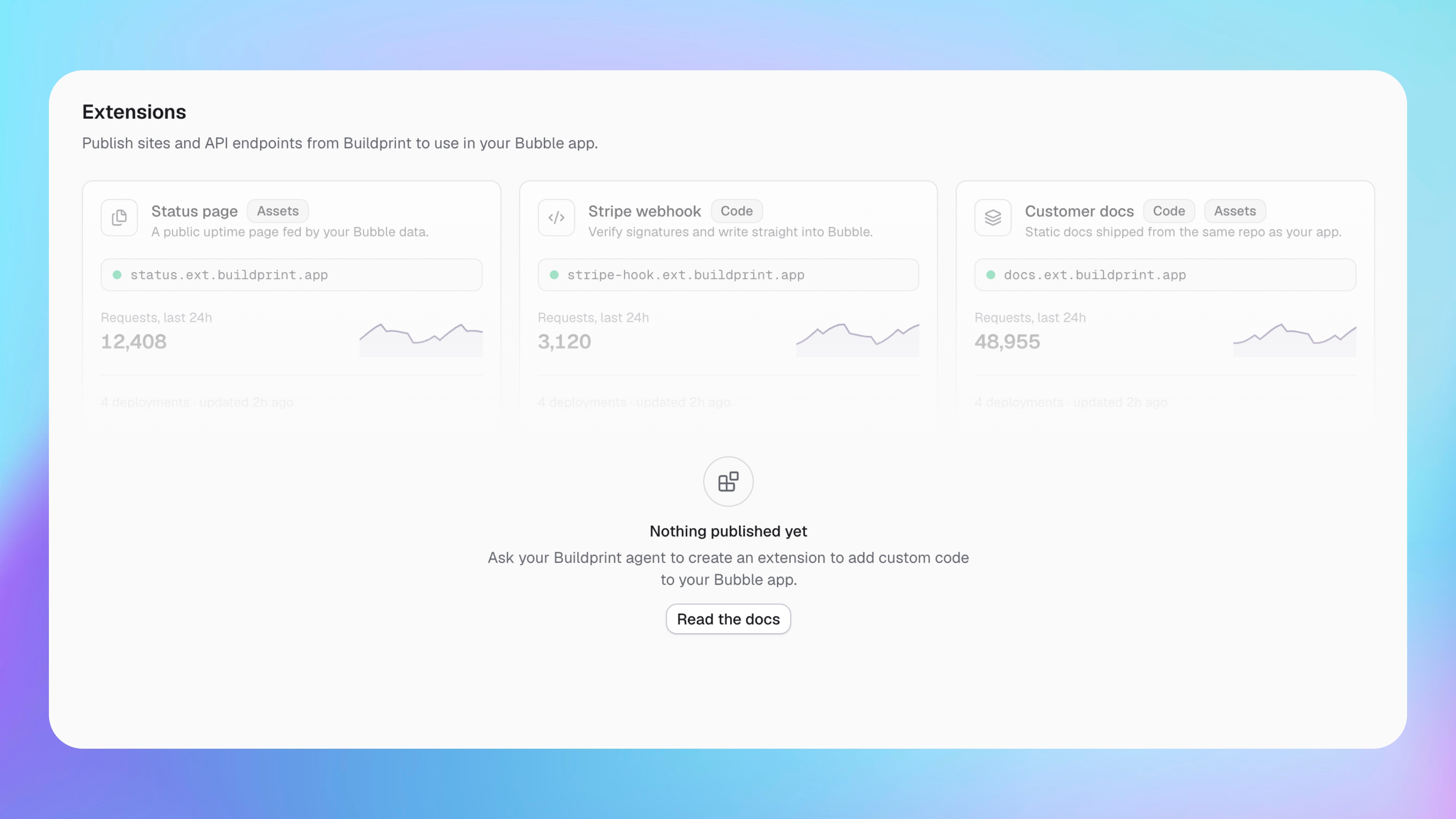
Buildprint Extensions let you publish websites and custom code from your Buildprint project.
One Extension can contain a website, API endpoints, or both. It can also use a database, file storage, and secret values.
Tell Buildprint Agent what you want to make. Agent asks for the information it needs, builds the Extension, and gives you a published URL.
What you can build
For example, ask Agent to make:
A landing page with a contact endpoint.
An efficient rate limiter component that doesn't depend on your Bubble database
A cache functionality
A fast key-value store
A customer portal that reads and updates data.
A webhook for Stripe or another service.
A secure upload page for large files.
A report that creates data or file exports.
Logic that is difficult or slow to build in Bubble.
If you do not know what your Extension needs, describe the result you want. Agent will choose the structure and ask any required questions.
Create an Extension
Open Agent in Build mode and describe your goal.
Create a customer portal with a homepage and an order history page. Add the endpoints and database it needs. Match my Bubble app and publish it.
Or:
Create an endpoint that receives a Stripe webhook, verifies it, and updates the related order in Bubble. Ask me securely for any secret values.
Agent handles the website files, custom code, storage, and publishing. Review the result and ask Agent for changes.
Data and files
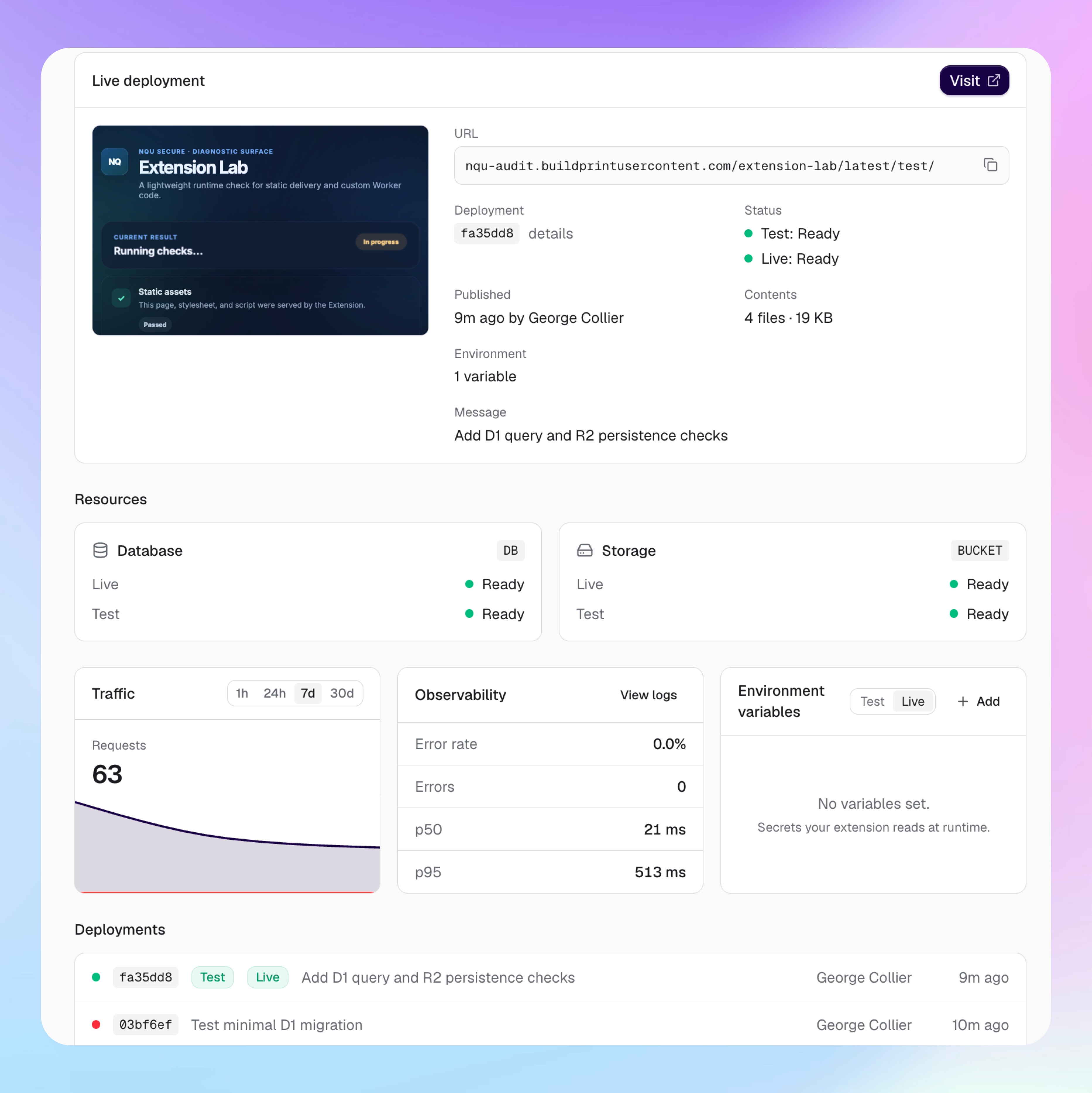
An Extension can use a database for structured data and file storage for uploads, images, and exports.
Test data and live data are separate. Agent uses test unless you explicitly ask it to change live.
Ask Agent to create tables, inspect data, manage files, or clear test data. Agent asks for confirmation before a live change that can affect existing data.
Published versions
Each publish has a fixed URL. A newer publish does not change that URL.
This lets your Bubble test version use new Extension code while your live app continues to use the old code. Both versions keep their existing data.
Tell Agent where you want to use the Extension. Agent selects the correct test or live URL.
Environment variables and secrets
Custom Extension code can use environment variables for settings, API keys, and tokens. Test and live values are separate.
Tell Agent what the Extension needs. It will ask you to provide sensitive values securely.
Add the API key for this Extension. Ask me for the value securely, and set it for test only.
Secret values are available only to code that runs on the server. They are not included in website files sent to a browser.
Security and limits
Extension URLs are public unless the Extension checks who can use them. Ask Agent to add authentication for private data or protected actions.
A URL is not a security control. Add authentication for private or sensitive actions.
An Extension can have one database and one file store. Extension use is charged at Cloudflare list prices and paid plans include $5/mo included usage. The vast majority of projects will not exceed included usage.
Buildprint keeps database and file data for 30 days after you delete an Extension. Ask Agent to recover it during this period.