
What is Buildprint?
Buildprint is an AI workspace for Bubble. It connects to your Bubble app or plugin so AI agents like Claude Code, Codex, and Cursor can understand the project and help you build, debug, test, and maintain it.
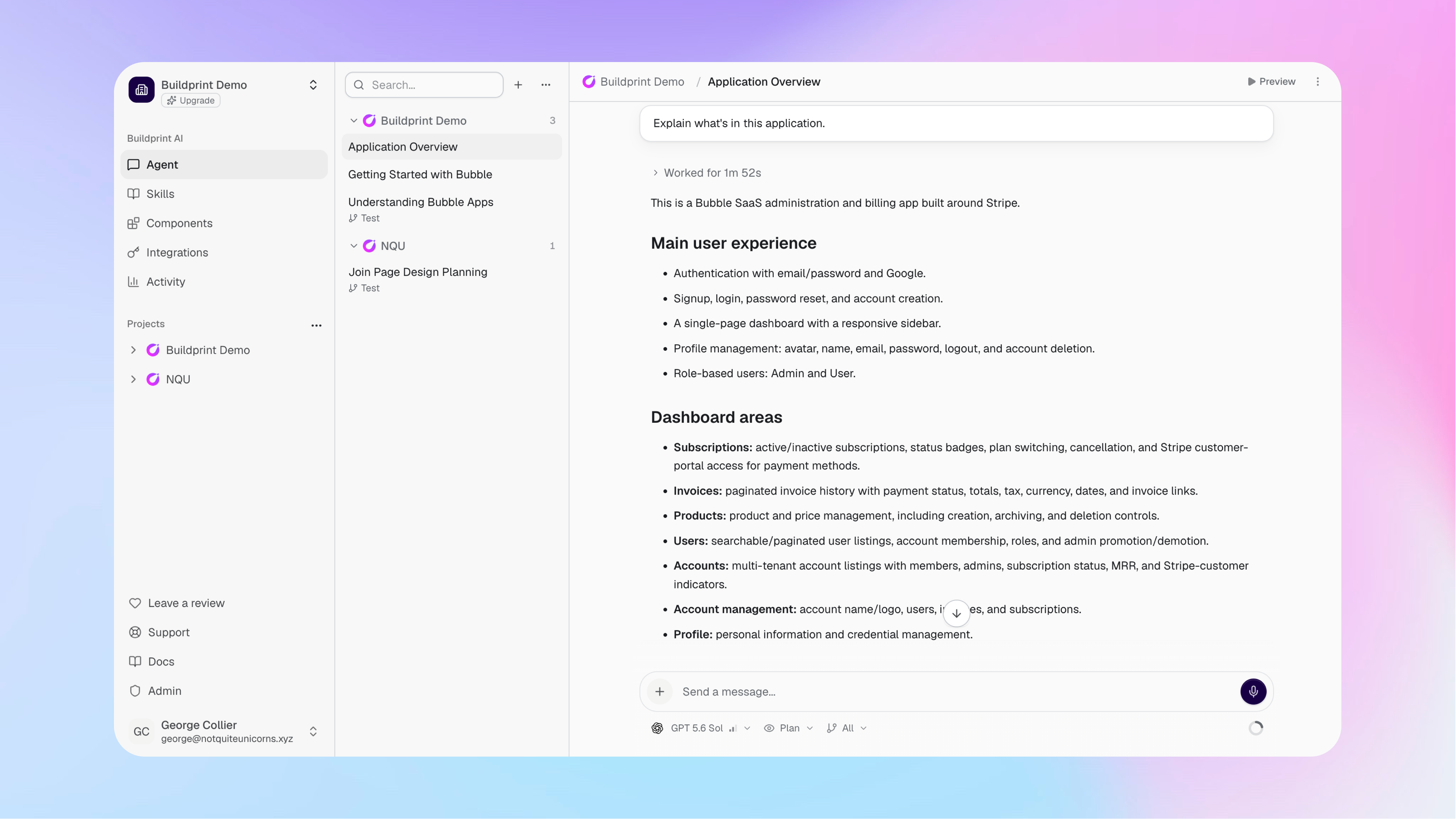
How Buildprint works
Buildprint reads your Bubble app just like you can.
This can include your app structure, pages, workflows, database records, logs, and Bubble versions. It can only see things you grant it permission to see in the Bubble collaborator settings.
The Agent uses this context when it answers questions or works on a task. This means you do not need to explain the full structure of your app in every conversation.
Workspaces and projects
A workspace contains your Buildprint projects, members, integrations, and billing settings.
A project represents one connected Bubble app or plugin. Each project keeps its own conversations, permissions, data, logs, tests, and other project settings.
You can add several projects to the same workspace and control which members can access each one.
Main features
Buildprint is designed to be an end to end software engineering tool for Bubble.
Agent helps you understand, plan, and build a Bubble project through a conversation.
Logs give advanced observability through fast log search, complex queries, and monitors, as well as log push to external destinations.
Data lets you explore Bubble database records in a faster data explorer.
Radar automatically listens for merges and scans your Bubble app for regressions, security issues, and creates changelogs.
Tests lets you create and run browser tests using plain-English instructions.
Components provides reusable Bubble components like logic, APIs, and UI, that your agent can browse and install for you.
Integrations connects Buildprint to your existing AI providers, MCP tools, Slack, Linear, the CLI, and the Buildprint API.
Some areas are available only for Bubble app projects. For example, plugin projects naturally do not include Logs, Data, Radar, or Tests.
Plan and Build safely
You control whether the Agent can only inspect a project or can also make changes.
Plan mode gives the Agent read-only access to the permitted project context.
Build mode lets the Agent change permitted Bubble branches when your Buildprint role and Bubble collaborator permissions allow it.
The Agent cannot deploy changes to your live Bubble app even in Build mode. Review and test its work before you deploy through Bubble.
Get started
Connect your Bubble app or plugin to create your first project. After setup, open Agent and ask Buildprint to explain the project or help with a specific task.