
Check the API key, token, username, password, and required permissions in the destination service.
Logpush
Logpush forwards your Bubble logs from Buildprint to an external observability service of your choice.
Available destinations
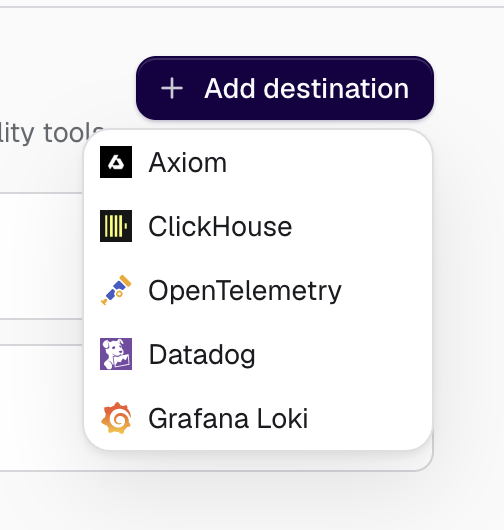
Buildprint currently supports these external destinations:
Axiom.
ClickHouse.
OpenTelemetry.
Datadog.
Grafana Loki.
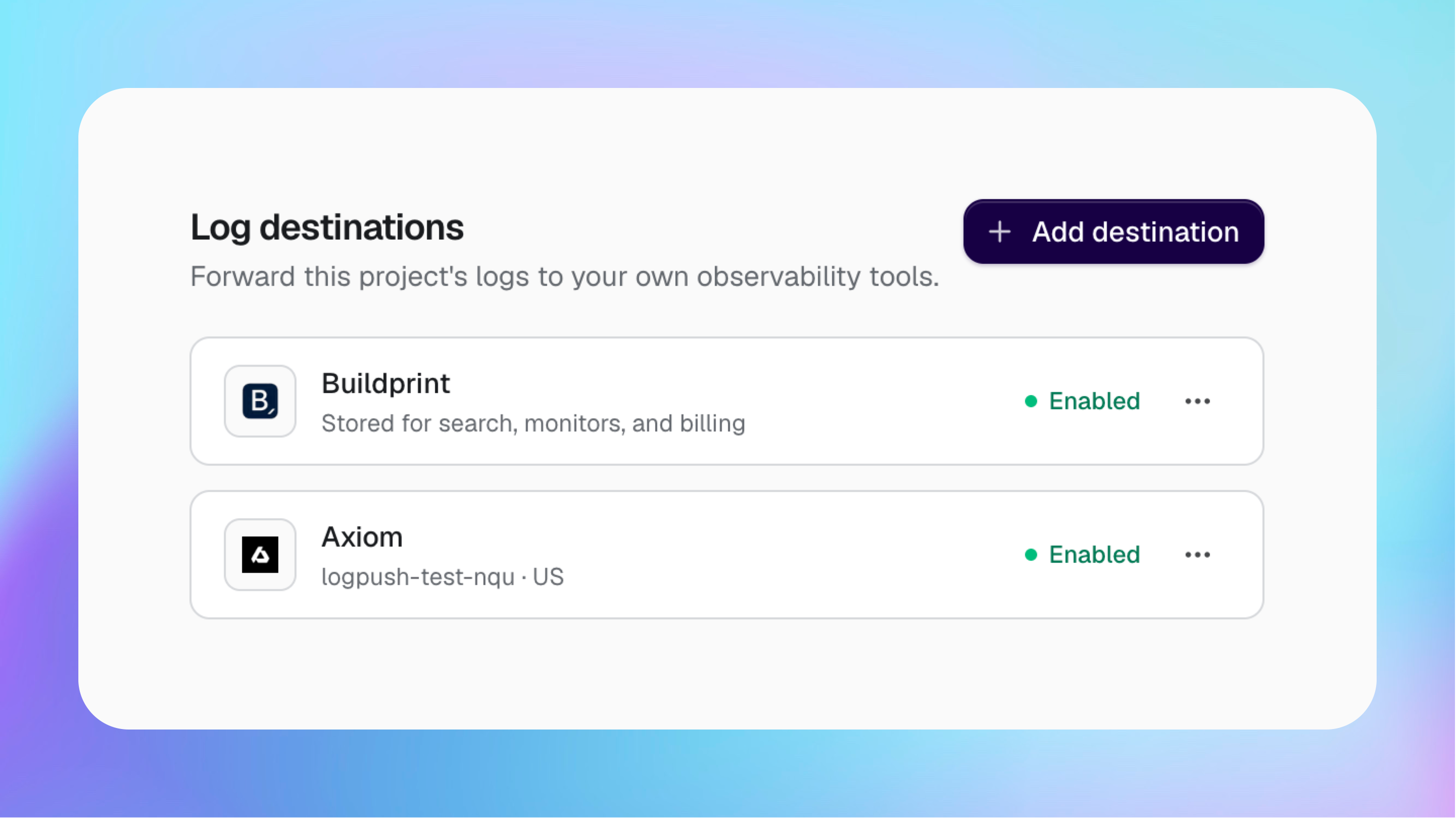
The managed Buildprint destination stores logs for Logs Explorer, Monitors, and billing. A custom destination sends a copy to your own service.
Choose where logs are stored
The managed Buildprint destination stores logs in the United States.
To use another region, create a custom destination in that region and confirm that it receives logs. You can then disable the managed Buildprint destination from its menu.
Disabling the managed Buildprint destination stops new logs from being stored by Buildprint. Logs Explorer and Monitors will not receive new logs, but your enabled custom destination will continue receiving them.
Add a destination
You need workspace or project admin access and a plan that includes Log Push.
Open Logs → Log Push.
Click Add destination.
Select the external service.
Enter the endpoint, dataset, authentication, and other values requested for that service.
Test the connection.
Save and enable the destination.
Use a public HTTPS endpoint. Store destination credentials securely and do not add them to chat messages.
Manage destinations
Each destination shows whether it is enabled.
From its menu, you can test the connection, enable or disable forwarding, update its settings, or delete it.
Saved secrets are hidden when you edit a destination.
Troubleshooting
The connection test reports an authentication error
The dataset or table cannot be found
Check that the destination name is correct and that the supplied credentials can access it.
The endpoint cannot be reached
Use a public HTTPS URL. Private network and local computer addresses cannot receive Log Push requests.
The service rejects requests temporarily
The destination may be rate-limiting requests or unavailable. Check the external service, then test the destination again.
Was this helpful?
Was this helpful?